
Why Using Slack for Church Staff Communication is a Game Changer
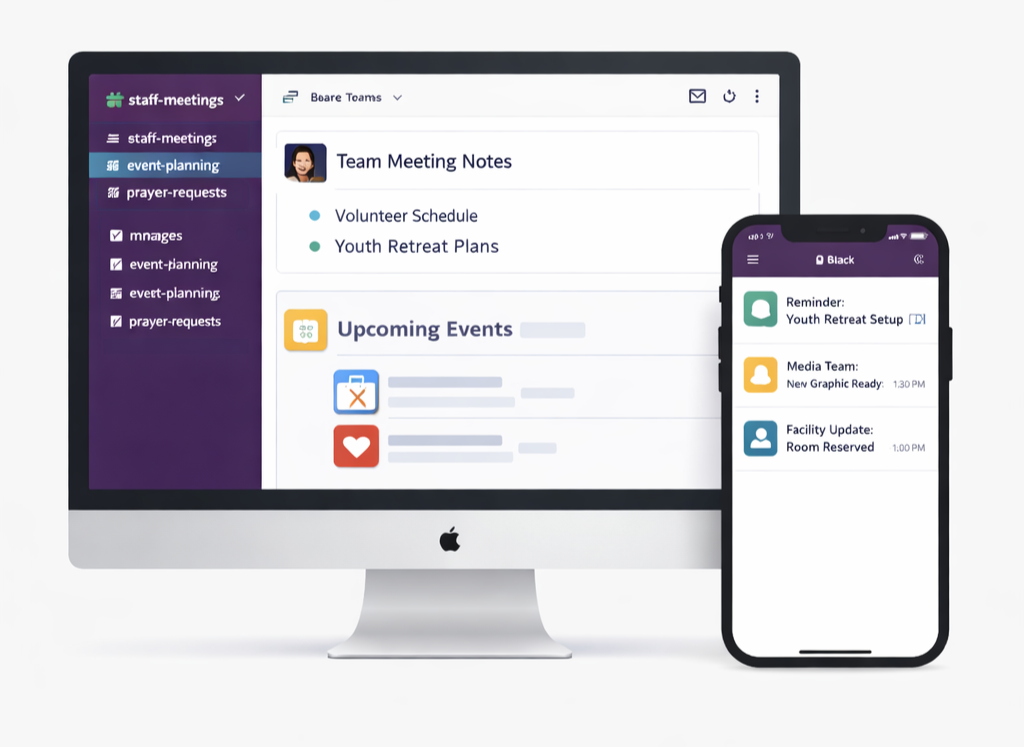
Tired of group messages that overwhelm everyone at once? Imagine choosing what and when you get notified, all in an app separate from your personal life.
If you haven’t tried Slack, it could revolutionize communication among church staff. Slack organizes teams and conversations in one place, helping staff easily manage ministry, event planning, and more with simplified, centralized communication.
Here’s why Slack is a game-changer for church staff:
Say Goodbye to Text and Email Overload
Slack eliminates the need for scattered communication across personal texts, group messages, and overflowing email inboxes. Remove the SMS vs. iMessage debate and just use Slack. With Slack, all conversations are housed in one place and organized into channels by topic, team, and/or project. For instance, create a Prayer Requests channel to gather all prayer requests in one place. Use a Leadership Updates channel for private conversations among church leaders. Set up a Sunday Service Planning channel to collaborate on weekly worship. By keeping communication streamlined, you save time and reduce the stress of searching multiple platforms to find a message. Another added benefit is that each channel can have different permissions and access, so you know who will see what messages.
Custom Notifications for Better Boundaries
Slack lets you tailor notifications to your needs and schedule, which is a breath of fresh air compared to text messaging, which can blur the lines between work and personal life. For example, enable notifications for high-priority channels, like Urgent Requests. Turn off notifications for channels like Just for Fun, so you can check in at your leisure or only get notified when someone directly mentions you in a group channel. This flexibility allows you to stay engaged without being overwhelmed.
It’s perfect for real-time collaboration while maintaining flexibility. Staff can check messages at their own pace, jump back into conversations, and see where they left off without the pressure of always being “on.”
Enhanced Collaboration with File Sharing
Sharing files is easy with Slack. Upload PDFs, sermon outlines, event flyers, and even photos and videos directly, without email file size limits. Use built-in screen recording for quick tutorials or encouragement. Just drag and drop—it's all included.
From worship to tech teams, install Slack on church computers for quick file sharing, last-minute changes, and communication during services. Coordinate slides, send worship set lists, or share event schedules, all from one app.
Status Updates for Better Visibility
With Slack, team members can set statuses like “Busy,” “Out of Office,” or “Available” so others know when they’re reachable. This is especially useful during busy seasons like Easter or Christmas, when everyone’s juggling a million tasks.
When it comes to ministry, clear and efficient communication isn't just a convenience; it's a necessity. Slack brings it all together by replacing the chaos of scattered texts and overflowing inboxes with one organized, easy-to-use platform. From customized notifications that protect your team's boundaries to effortless file sharing and real-time collaboration across every department, Slack is designed to meet your staff right where they are. Add in the ability to set status updates so everyone knows who's available, and you have a tool that doesn't just improve communication, it transforms the way your team works together. And the best part? Getting started costs nothing—sign up today and see the difference Slack can make for your ministry.